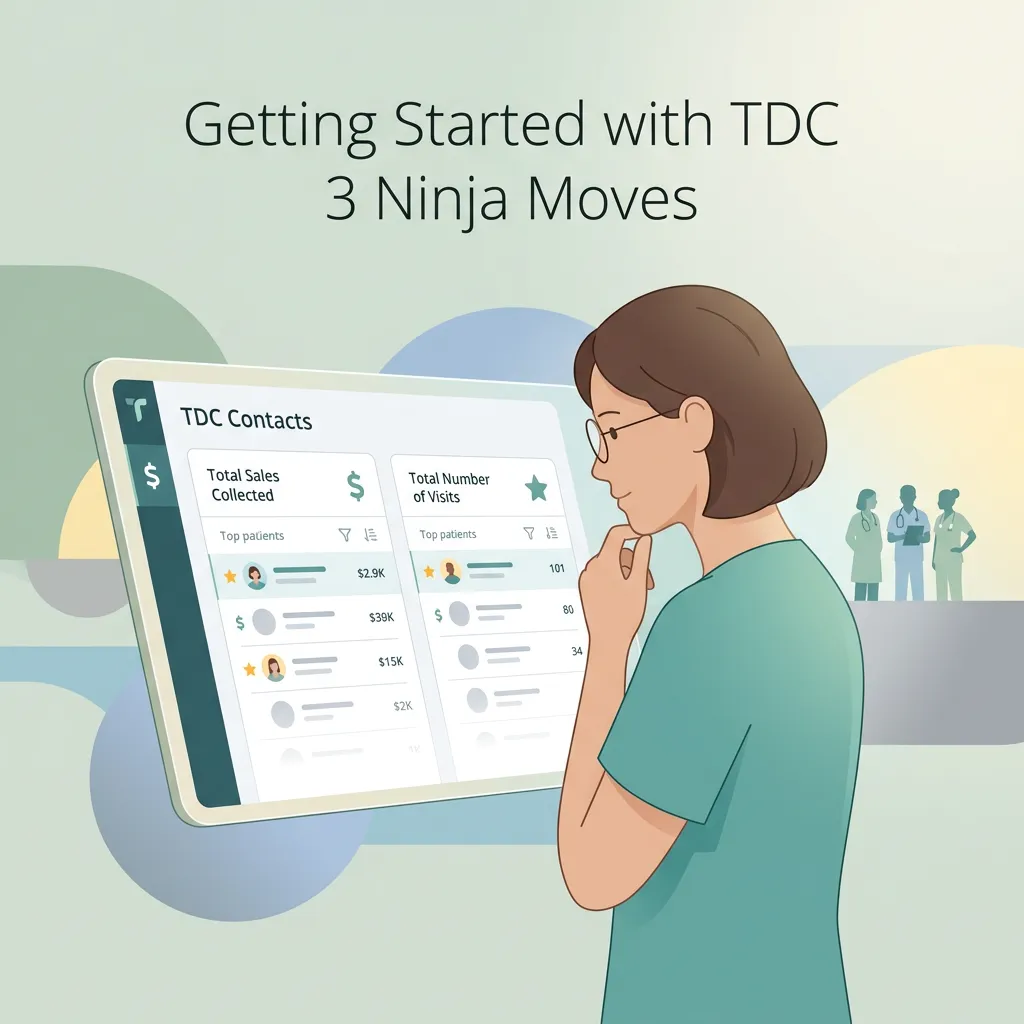
GETTING STARTED WITH TDC 3 Ninja Moves • Lesson 1
How to Find Your Most Valuable Patients Using TDC Contact Lists
As a clinician, you probably know a lot about your patients, but do you know which patients have generated the most revenue for your clinic, how many visits they have had, or what your highest-value patients have in common?
You already have this information. The challenge is finding it without digging through spreadsheets, reports, or different systems.
TDC can help you turn the information you already have into a useful list you can actually act on.
Watch the Video First
In this lesson, Dr. Josh walks through how to simplify your Contacts view, find your highest-value patients, and turn that information into a list your team can use.
Your 3-Step Contact List Check
1. SIMPLIFY YOUR CONTACTS VIEW
Open Contacts in TDC and click Manage Fields.
You may have a lot of information coming into TDC from Jane™. You do not need to look at all of it at once.
Start by showing only the information you actually need for this task.
For this lesson, select:
ClinicSync: Total Sales Collected
ClinicSync: Total Number of Visits
The other information is still there. You are simply removing the clutter from your current view.
Sometimes less information makes it easier to see what matters.
2. FIND AND UNDERSTAND YOUR MOST VALUABLE PATIENTS
Once those fields are visible, click Total Sales Collected to sort the list. Flip the order so your highest amounts appear at the top.
Now you can see something you may have never looked at before: Who are your highest-value patients, and how many visits did it take to get there?
These are patients who have already shown a strong relationship with your clinic. Looking at their numbers can help you understand what is working and what you may want to repeat.
Compare Total Sales Collected with Total Number of Visits. You may find two patients who have spent similar amounts but needed very different numbers of visits. That is worth looking into with your team.
Ask:
What was different about their care?
What did we do differently?
What can we learn from this patient journey?
Is there something we should repeat?
You are not guessing about what might work. You are looking at what has already happened in your clinic.
3. TURN YOUR FINDINGS INTO A LIST YOU CAN USE
Now take it one step further.
Use the filters to create a specific group of patients. For example, you could create a list of patients who have spent more than a certain amount or reached a certain number of visits.
Once you identify the group, the next question is simple:
“What should we do with them?”
Maybe you want to invite them to a VIP event, introduce them to a membership, ask for a Google review, or simply reach out and thank them for trusting your clinic.
This is where the list becomes useful.
Find the people, then communicate with them.
BOOK A DEMO
Try This Today
Set aside a few minutes and try this inside TDC:
Contacts → Manage Fields → Add Total Sales Collected + Total Number of Visits → Sort by Total Sales Collected → Filter your list
Then take a look at your top patients and ask your team what you can learn from them.
You may discover patterns you have never seen before because you were too busy treating patients to dig through the data.
Keep Learning
Creating useful lists is just one way to get more value from the information already inside your clinic.
Continue learning practical ways to use TDC through TDC University, and follow us on Facebook and Instagram for helpful tips, new lessons, and updates on upcoming webinars.
For real-time learning, check out the Marketing Essentials classes, held on scheduled weekdays. Join through the Zoom link during the available class hours whenever it works for your schedule.
If you are not using TDC yet and want to see how it could fit into your clinic, book a free demo with the TDC team.
BOOK A DEMO
The goal is not to collect more data. It is to make the data you already have useful.
