Learn How to Build Trust and
Grow Your Office!
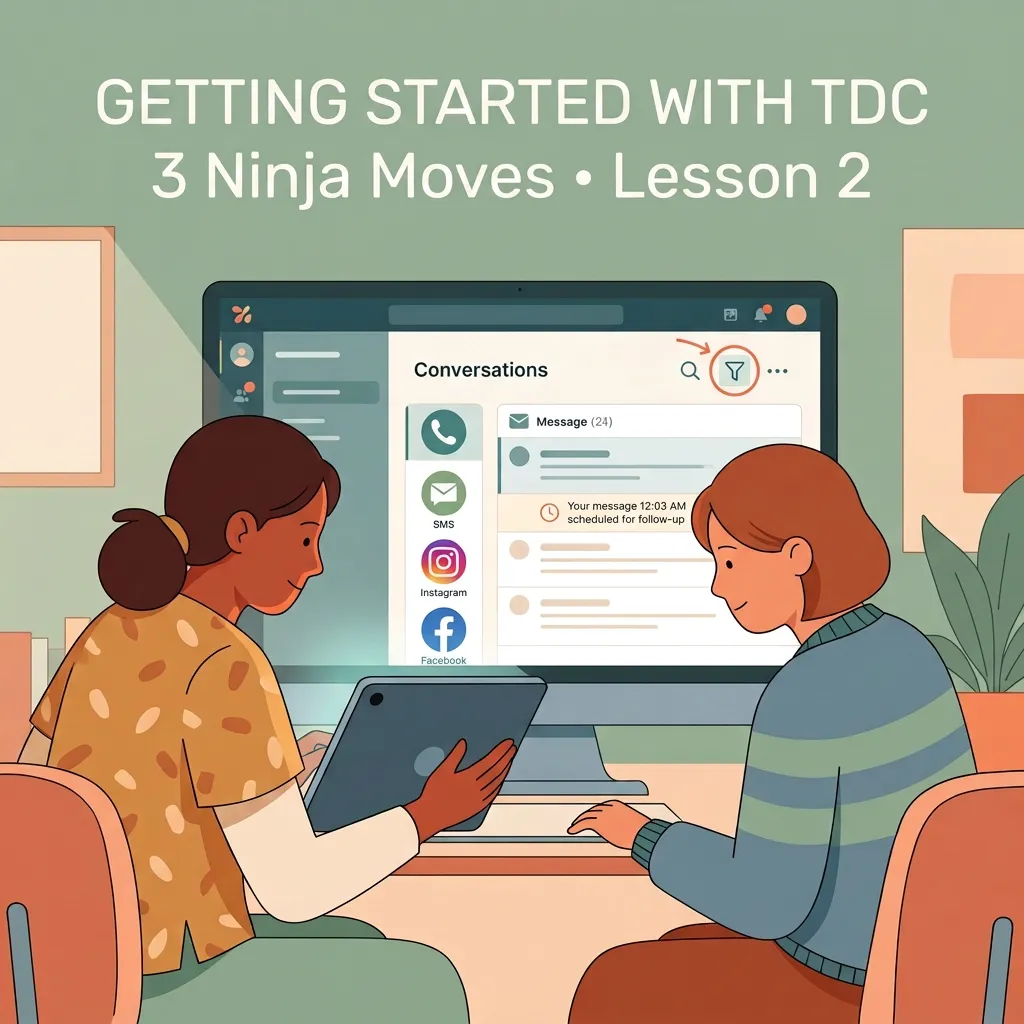
TDC Ninja Moves 2: How to Stop Missing Patient Messages | TDC Conversation Filters
How to Stop Missing Patient Messages: Use TDC Conversation Filters to Stay on Top of Communication
When your clinic starts growing, patient communication can quickly spread across too many places. You have calls, texts, emails, Instagram messages, Facebook messages, and website inquiries, all coming in while your team is already busy taking care of patients.
The problem is not that your team does not want to respond. The problem is that important conversations can get buried or missed.
That is why the Conversations tab in TrustDrivenCare is designed to bring your patient communication into one place.
Watch the Video First
In this lesson, Dr. Josh shows how to use Conversation Filters to find the conversations that need your attention, respond through the right channel, and use scheduled messages to create a more personal patient experience.
Your 3-Step Conversation Check
1. BRING YOUR CONVERSATION INTO ONE PLACE
Open Conversations in TDC. Depending on your setup, you can see calls, texts, emails, and messages from channels such as Instagram and Facebook in one place.
Instead of checking six different platforms, your team has one place to start.
This is especially helpful as your clinic grows and you have new team members who need a simple way to know where patient communication happens.
2. FILTER YOUR INBOX TO FIND WHAT MATTERS
At the top of the Conversations tab, click the Filter Icon. From there, you can narrow your inbox to what you need to check.
For example, you can show only inbound messages or filter by a specific channel such as Instagram.
Try this at the end of the day:
Filter → Check inbound messages → Make sure everyone received a response
This simple habit can help your team find conversations that may otherwise sit unanswered.
3. MAKE IT PERSONAL AND LET TDC HANDLE THE TIMING
When someone reaches out, communicate through the channel they are already using. If they text, text them back. If they email, reply by email. If they message you through Instagram, continue the conversation there.
Then add the personal part.
If a new patient tells you they have a marathon coming up, a child getting married, or even a dog named Pickles, you can use that information in your follow-up. TDC can help you write the message now and schedule it to send later.
For example:
"Hey Edward, it's Dr. Josh. I just wanted to check in and see how you're doing. Give Pickles a scratch for me."
Write it when you have the thought, schedule it to send later, and let TDC handle the timing. You keep the part that matters most: the human connection.
One More Rule For Your Team
Reading a message does not always mean it is finished.
If an admin opens a message but the doctor still needs to respond, the conversation should stay visible or have a task created so someone knows what needs to happen next.
Think of marking a message as read as your team's quality check:
"This is handled, or the next step is assigned."
If there is still an open loop, the conversation is not done.
BOOK A DEMO
Try This Today
Before your team leaves the clinic, take five minutes to do one final conversation sweep:
Open Conversations → Filter inbound messages → Check each channel → Respond or assign the next step
You may find a new patient waiting to book, a current patient waiting for an answer, or a social media message your team did not know was sitting there.
That five-minute check can be the difference between "We missed that message" and "We took care of it."
Keep Learning
Conversation Filters are just one way TDC can help make your day-to-day clinic easier.
Continue your training through TDC University for more practical ways to use TDC and improve how your team communicates with patients. , You can also follow us on Facebook and Instagram for practical tips, new lessons, and upcoming webinar updates.
For real-time learning, check out the Marketing Essentials classes, held on scheduled weekdays. Join through the Zoom link during the available class hours whenever it works for your schedule.
If you are not using TDC yet and want to see how it could fit into your clinic, book a free demo with the TDC team.
BOOK A DEMO
Keep learning. Keep improving. And keep the focus where it belongs: on your patients.