Learn How to Build Trust and
Grow Your Office!
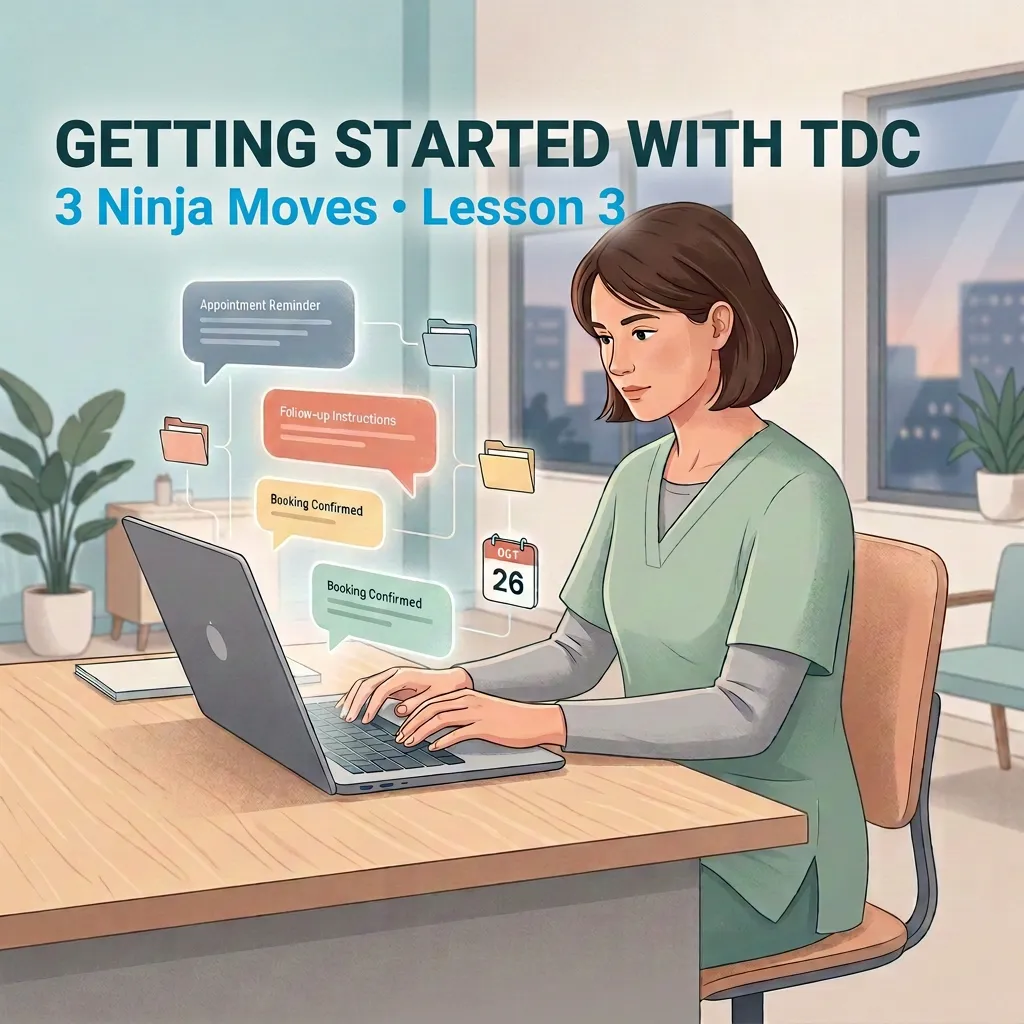
TDC Ninja Moves 3: How to Build TDC Snippets to Save Time and Improve Patient Communication
How to Build Snippets in TDC to Save Time and Keep Patient Messages Consistent
How many times does your team type the same message every day?
“Here are your intake forms.”
“Here are our directions.”
“Here are our hours.”
“Here’s how to book online.”
If your team is still copying and pasting these messages from a Word document, email, or old conversation, there is an easier way.
TDC Snippets let you save messages you use often so your team can find them, personalize them, and send them in seconds.
Watch the Video First
In this lesson, Dr. Josh shows how to build Snippets, personalize them, organize them into folders, and use them to help your team respond faster without losing the human touch.
Your 3-Step Snippet Check
1. SAVE THE MESSAGES YOU SEND AGAIN AND AGAIN
Open Conversations → Snippets and look at the messages your team sends most often. If you have to write the same message more than once, it is probably a good candidate for a Snippet. Think about messages for:
Intake paperwork
Directions to your clinic
Hours and booking information
Insurance questions
Common patient questions
Follow-up instructions
Instead of making your team remember what to say every time, write it once and save it in TDC.
2. MAKE IT PERSONAL AND EASY TO USE
A Snippet should save time, but it should not sound like a robot.
Use Custom Values to automatically add information such as the patient's first name. You can also adjust the message when needed, such as adding the name of the provider they are seeing.
Keep text messages short and easy to read. If the message needs more detail, email may be a better choice.
The goal is simple: let TDC handle the repeatable part while your team keeps the human connection.
3. ORGANIZE YOUR SNIPPETS SO YOUR TEAM CAN FIND THEM
As your clinic grows, you may build a lot of Snippets. Use folders to keep them organized by clinician, service, condition, or type of question. This is especially useful for messages that need to come directly from you as the clinician.
If a patient asks a sensitive or clinical question, your team should not have to guess what to say. You can write the response once, review it, and give your team the exact message you want them to use.
You can also test every Snippet before using it with patients. Send it to yourself first and make sure the message looks the way you intended.
You can even add an attachment when a picture would make the message easier to understand, such as a photo showing patients where to find your clinic.
BOOK A DEMO
Try This Today
Think about the last 10 questions your team answered. Find the ones they answer over and over and turn those into Snippets.
Conversations → Snippets → New Snippet → Write → Add Custom Values → Test → Save
Start with just three. You do not need to build 50 Snippets today. The goal is to make the next patient conversation easier than the last one.
Keep Learning
Snippets are just one way TDC can help your team save time while keeping communication personal.
Continue your training through TDC University, and follow us on Facebook and Instagram for helpful tips, new lessons, and updates on upcoming webinars.
For real-time learning, check out the Marketing Essentials classes, held on scheduled weekdays. Join through the Zoom link during the available class hours whenever it works for your schedule.
If you are not using TDC yet and want to see how it could fit into your clinic, book a free demo with the TDC team.
BOOK A DEMO
Your team should not have to reinvent the message every time. Write it once, make it yours, and let TDC help you deliver it consistently.